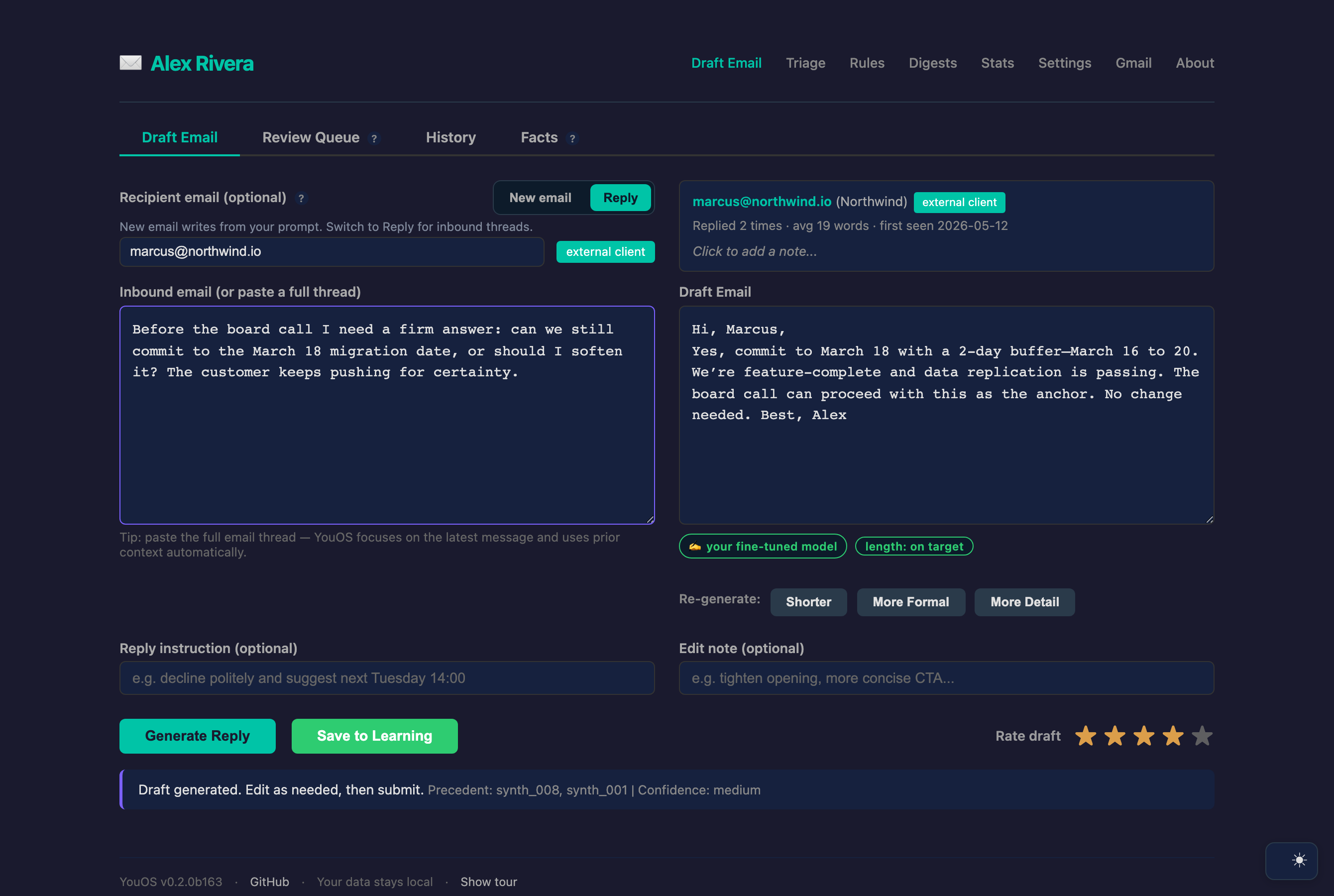
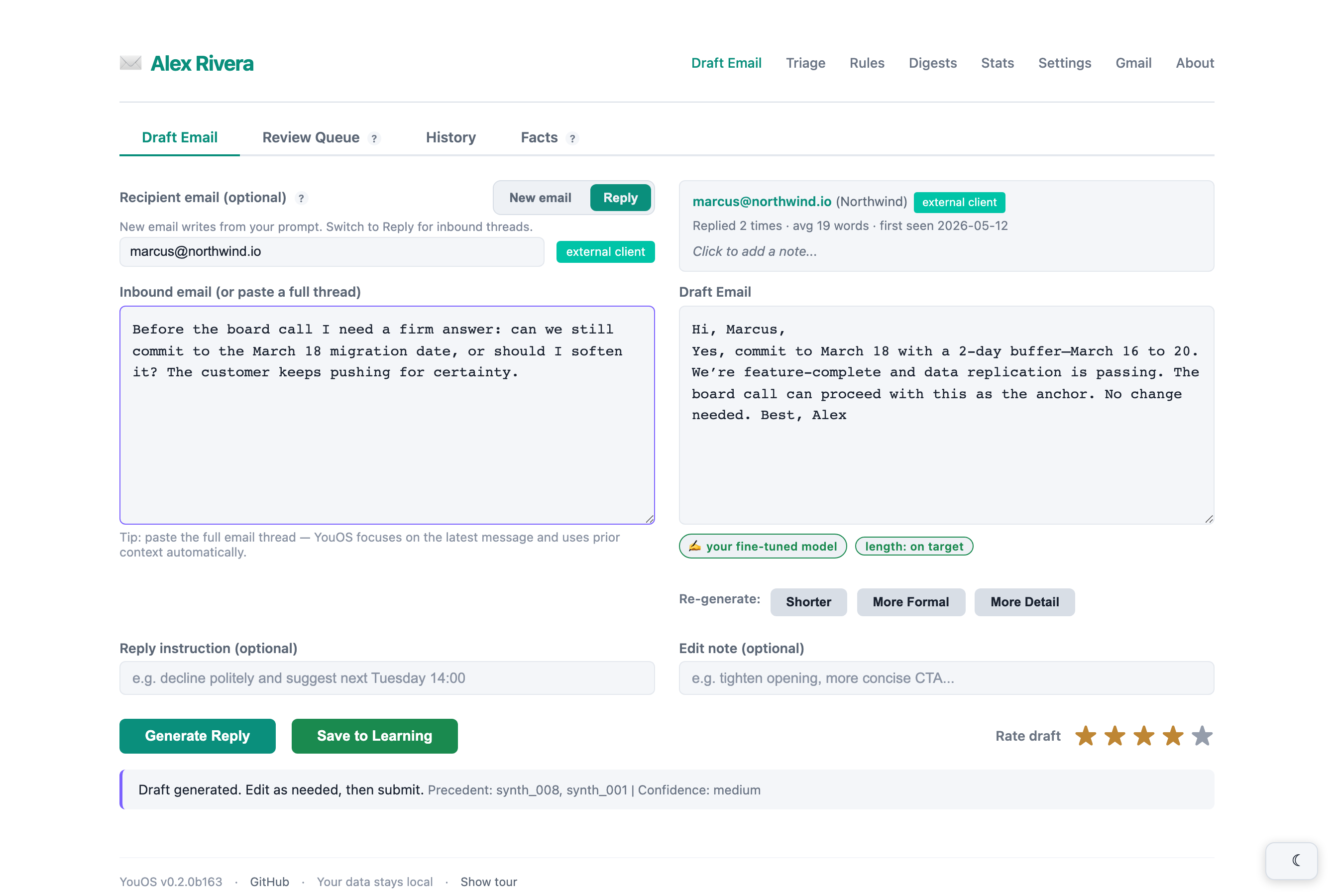
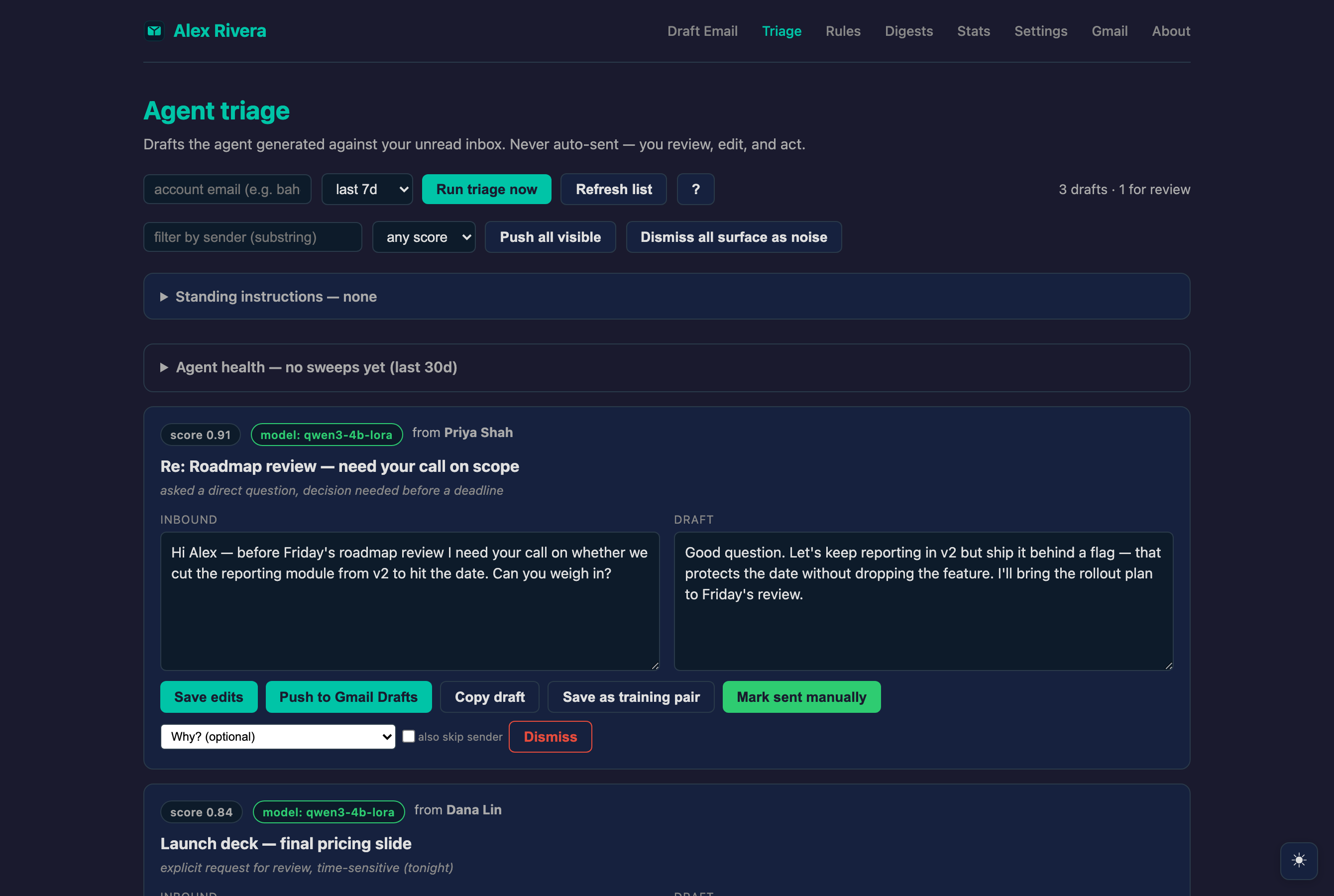
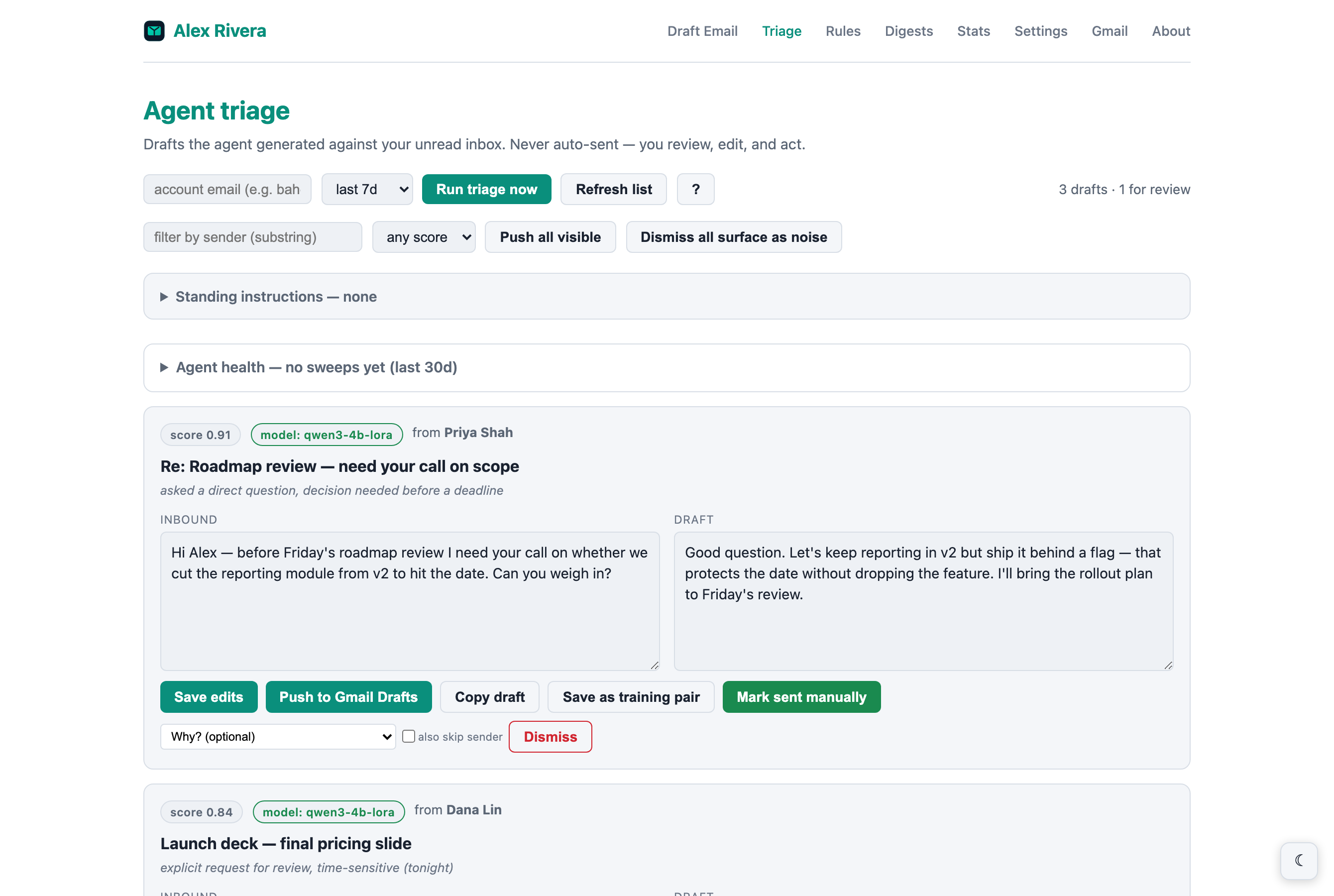
YouOS is an AI email copilot that learns from your sent Gmail history and drafts replies that sound like you — not a generic AI. It can run your whole inbox: drafting every reply in your voice and sending only when you confirm. Everything runs on your Mac, and during setup it becomes your OS.
Building an AI agent that handles email? Start with the
integration guide (setup, token auth, endpoint reference),
then the agent operations playbook —
decision tree, idempotency, error handling, trust boundaries.
Raw markdown at /docs/AGENT_OPERATIONS.md;
OpenAPI spec at every YouOS instance's /openapi.json.
Draft a reply in your voice, review how you usually respond, watch it improve.
It flags an email worth a reply, drafts it in your voice — even offering open times from your calendar — and waits. Tweak a word, confirm, and it sends. Never without your OK.
Drive it from Telegram, Slack or WhatsApp via OpenClaw — or the built-in review queue.
Connect your chat assistant — Telegram, Slack or WhatsApp via OpenClaw — or use the built-in review queue. YouOS watches your inbox on a schedule, drafts the replies in your voice, and waits for your word. Nothing goes out without you.
❌ Generic AI sounds like a robot
✅ YouOS learns your style — per contact, per context
❌ Your emails uploaded to the cloud
✅ Everything stays on your Mac by default cloud fallback is opt-in — set model.fallback: none for strict local-only
❌ Same drafts for everyone
✅ Self-improves: your best-rated replies rank higher over time
❌ Locked to one tool or vendor
✅ Standalone or as a skill; Gmail, Docs & WhatsApp exports
❌ Just another generic app
✅ Becomes your OS — YouOS → BaherOS, a model fine-tuned on you
❌ Cloud model you can't see into
✅ Drafts on your local model by default; see which model wrote each draft
❌ You manually paste drafts one by one
✅ Optional autonomous triage — sweeps unread, drafts replies, never auto-sends opt-in via agent.enabled; review queue at /triage; push to Gmail Drafts with one click
We measured it — and ran the same 80 held-out messages through Claude for comparison. On the maintainer’s own ~11,800-email corpus, each model drafted every message and was scored against the reply actually sent (“voice-match”). A small 4B model fine-tuned on your mail goes toe-to-toe with a frontier cloud model on sounding like you — level on semantic fidelity and voice, a hair ahead on tone — while drafting ~4.5× faster, staying closer to your real reply length, and never leaving your Mac.
| YouOSyour local 4B + LoRA | Claudefrontier cloud model | |
|---|---|---|
| Captures what you’d say (semantic fidelity) | 0.85 | 0.86 |
| Sounds like you (voice-match, composite) | 0.66 | 0.68 |
| Matches your tone (style) | 0.75 | 0.73 |
| Matches your length (yours avg ~28 words) | ~25 words | ~36 words |
| Speed per draft | ~3.7s | ~16s |
| Your email leaves your Mac | never | every draft |
Measured with youos compare-models --backends mlx,claude --semantic --limit 80 — the same 80 held-out messages through both models, on one corpus. The semantic and voice gaps are smaller than the local model’s own run-to-run variation (sampling noise), so call those a tie; your numbers will differ. The local model runs entirely on your Mac — the Claude column needs an explicit opt-in to send those test messages to the cloud.
Gmail, Google Docs, or WhatsApp — about 5 min to first draft
Ingests your sent history; analyzes your persona per sender type
Detects intent, isolates by account, greets by first name — steer any draft with optional instructions
LoRA fine-tunes locally, golden eval guards quality, rotating benchmarks prevent overfitting
Run YouOS standalone or as an OpenClaw skill. Pick how it reaches Gmail & Docs with one config line — ingestion.google_backend.
gogThe OpenClaw gog CLI — the original path, still the default.
gwsGoogle’s own open-source Workspace CLI. No OpenClaw required.
nativeDirect Google API via the youos[google] extra and OAuth — no external CLI at all.
Small, local, and inspectable — no black box, no cloud dependency for the core loop.
mlx-lm — trained nightly on your sent mail and your Review-Queue edits. Curriculum-ordered, auto-scaled.gog / gws / native) fetches Gmail & Docs.youos compare-models score drafts against your real replies, plus a nightly golden benchmark and an inbox-replay backtest — re-drafting past threads and grading against the reply you actually sent, with the answers held out.Yes. Your corpus, model, fine-tuning, and drafts all stay on your Mac — nothing is uploaded. The only exception is the optional Claude cold-start/fallback before your local model is trained, which you can turn off in Settings.
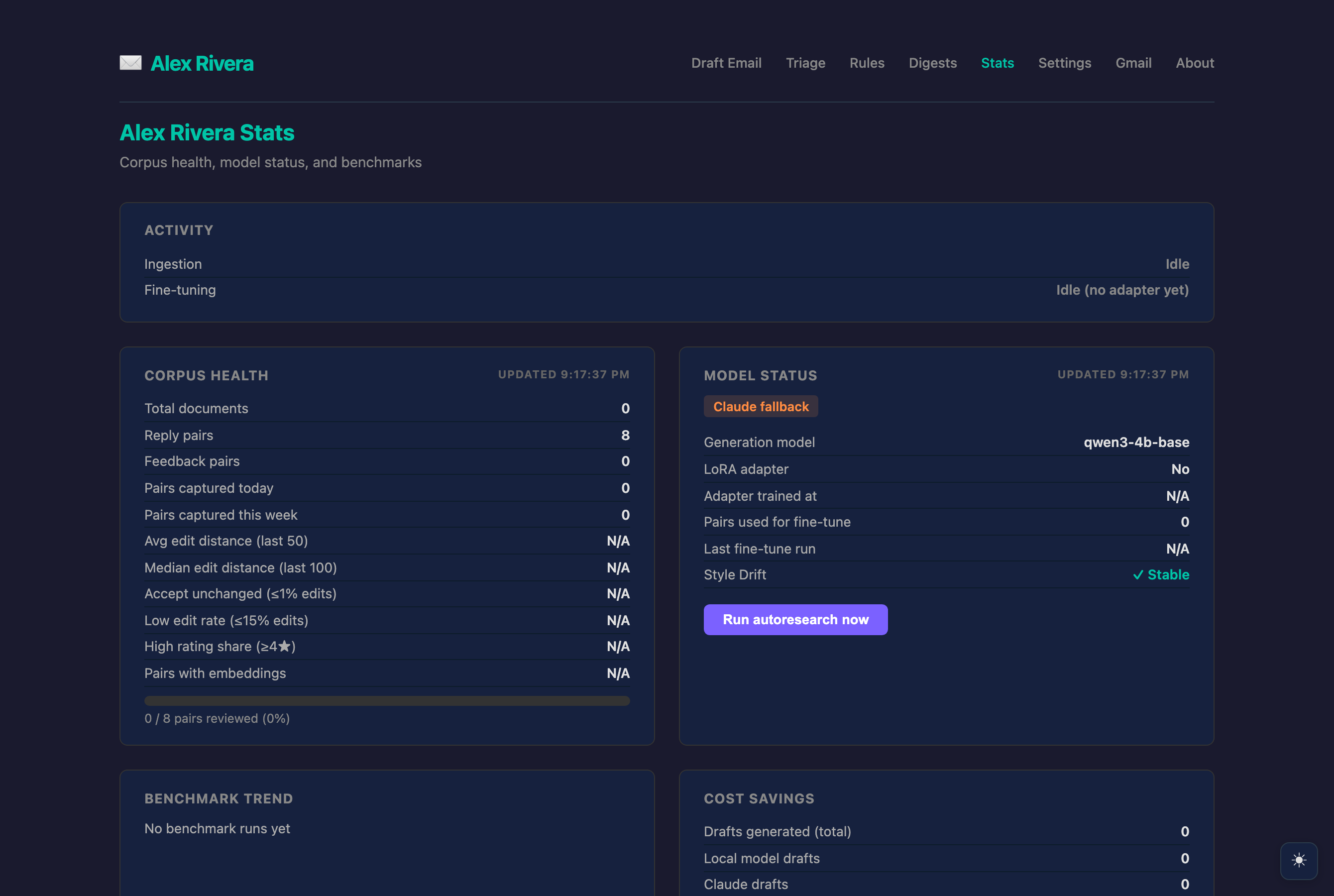
By default, your fine-tuned local model (Qwen + your LoRA) once you've trained an adapter — fully on-device. Claude is only a cold-start or fallback. A per-draft badge always shows which model actually wrote a draft.
It ingests your sent Gmail (and optionally Google Docs / WhatsApp exports), retrieves your most relevant past replies as few-shot examples, and fine-tunes a LoRA adapter on your real replies + your edits — so drafts sound like you, not a generic AI.
Run youos compare-models — it drafts your held-out replies and scores them against what you actually wrote (voice-match), breaking out semantic fidelity, tone, and length match. Add --backends mlx,claude to put your local model head-to-head with Claude: on the maintainer's corpus the fine-tuned 4B model matches Claude on semantic fidelity and voice, edges it on tone, and drafts ~4.5× faster — fully on-device.
Yes — install the YouOS browser extension (Chrome / Edge / Brave). It adds a panel to Gmail that drafts a reply in your voice, inserts it, and lets you rate it without leaving your inbox.
For the local model, yes (M1–M4) — it runs on MLX. Retrieval and the Claude fallback work on any Mac, but the fine-tuned-on-you experience needs Apple Silicon.
Yes — it's MIT-licensed and runs locally with no subscription. You only pay for Claude usage if you opt into the cloud fallback.
# Clone and install (standalone — no OpenClaw needed) git clone https://github.com/DrBaher/youos cd youos ./scripts/install.sh # makes .venv, installs YouOS, runs the doctor # First-run setup: accounts, ingestion, style analysis source .venv/bin/activate youos setup # Anytime: corpus health & a 10-case golden benchmark youos corpus youos eval --golden
Requires a Google ingestion backend (gog, gws, or native). Also installs as an OpenClaw skill.